VÕ QUỐC CƯỜNG

ReelCrew Edu

Video editing and making solutions for people who teach.

Zoom recordings, clips you film yourself, lectures you already have: cut the ums, add subtitles, turn them into several shorts. Documents or news you already have become animated lessons and course ads. You type one sentence; the AI on your computer builds it all.

Pay once · 14-day refund · Videos usable commercially

Real teachers · real videos

Three people in training are posting videos made with ReelCrew

These videos are made from clips and screen recordings they already had. Click a video to watch it with sound.

Teaches building English-learning apps · Solo English

Tuyết Chinh

In
A 3 min 10 s screen recording: she demos an English-learning app, with a face frame
Out
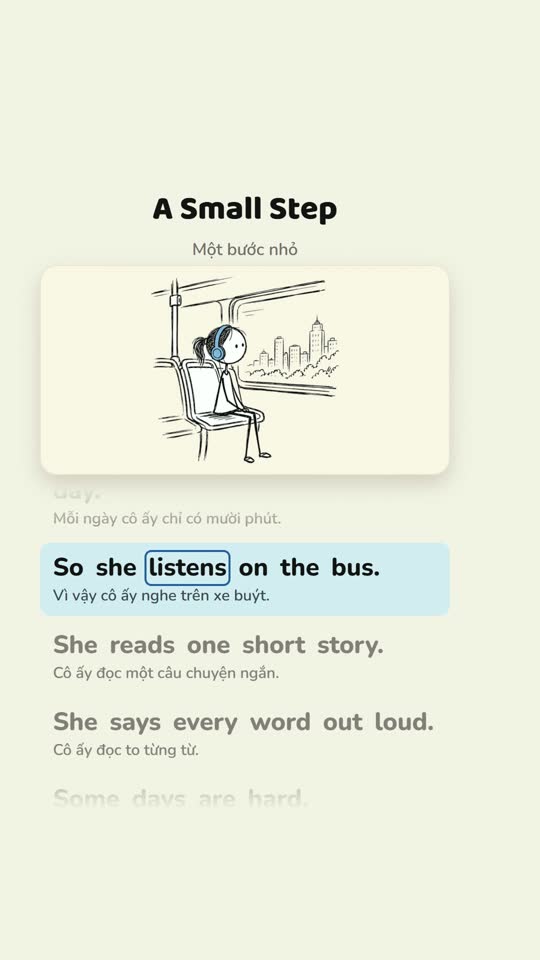
A 73-second vertical short: the app screen on top, a round face frame, word-by-word subtitles, highlight cards; plus a clean 16:9 long cut
Solution
One long recording into several shorts Edu Pro
Works in training

Thân Công Huy

In
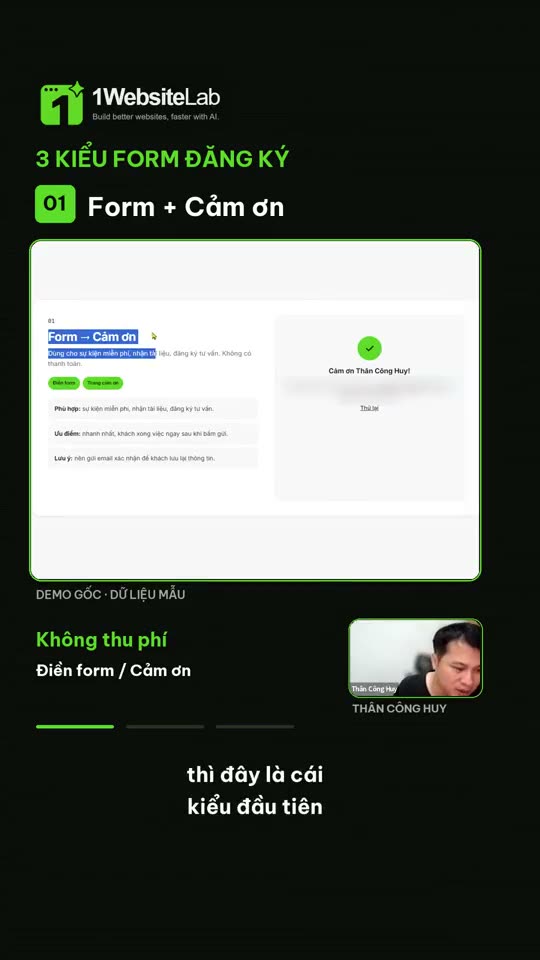
A clip of him talking to the camera, plus a screen recording of a website
Out
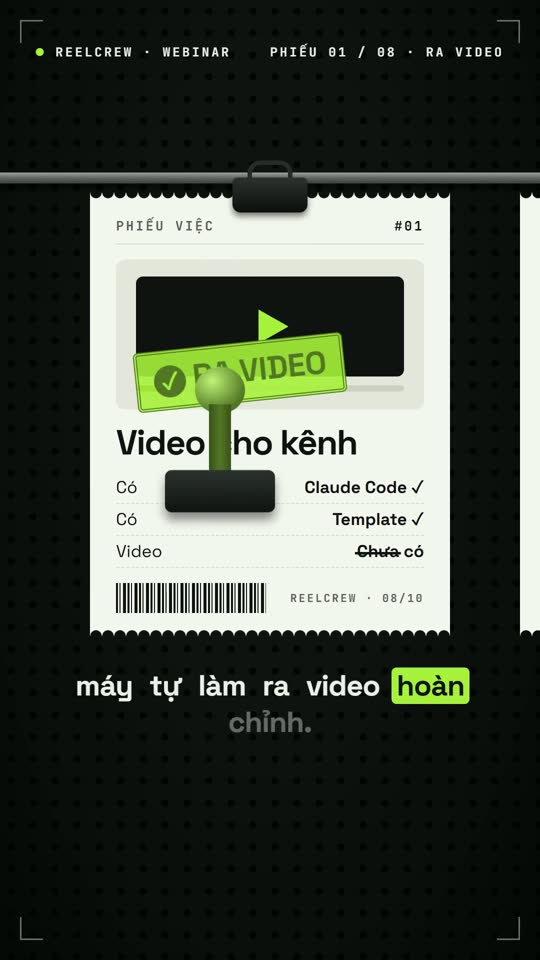
A 60-second short: a title behind the head, keyword subtitles, the screen inserted exactly when he speaks
Solution
Designed talking-head video Edu Lite
Founder of AgentVid · uses it every day

Võ Quốc Cường

In
A podcast clip he filmed, lecture notes
Out
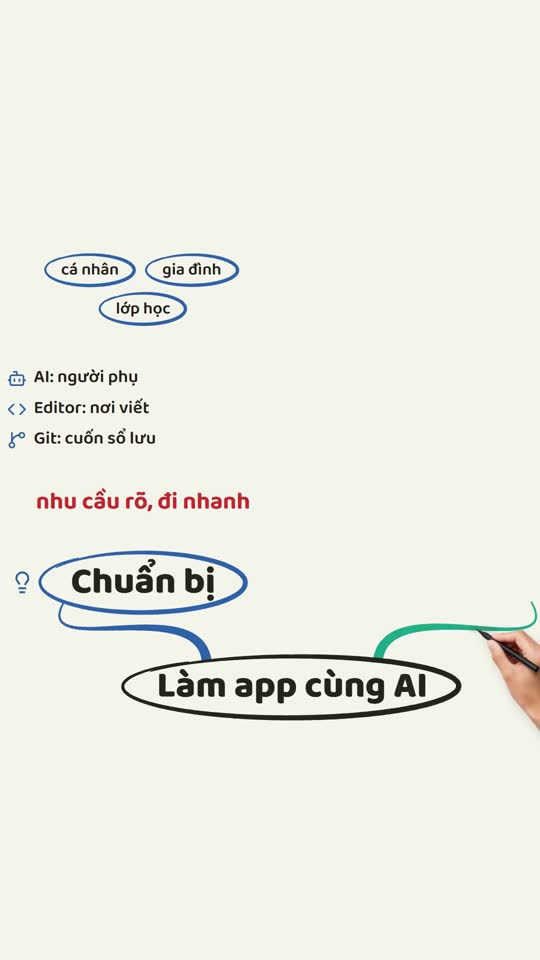
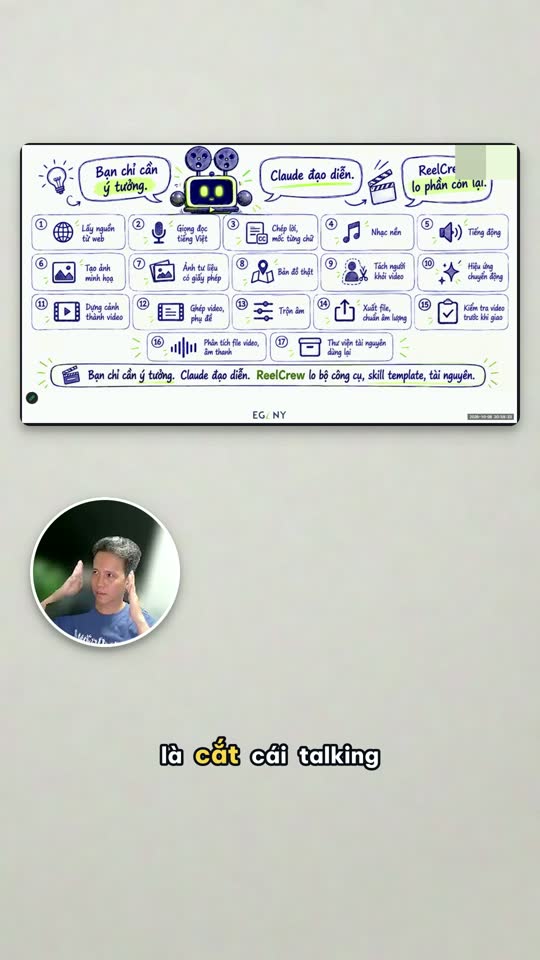
A reel with animated text cards that follow each spoken idea, a diagram lecture built as he talks
Solution
Talking-head video Edu Lite · Diagram slide lecture Edu Pro

Want to see your own recording as a video before you buy? Send 1 recording, get a trial video →

One sentence · the matching video

You type one sentence, the film crew builds the video a teacher needs

Pick a job to watch: the sentence you type, the steps ReelCrew runs on your computer, and the real video that comes out.

reelcrew / buoi-day-thu-79:16

You

Cut this 2-hour class recording into its 5 best shorts, one complete idea each, with subtitles and a title.

ReelCrew Building

  1. Listen and split the lecture word by word
  2. Find 5 passages with a complete idea
  3. Cut ums, silences and repeats
  4. A vertical frame that follows the lecturer’s face
  5. Subtitles, titles, export 5 shorts
5 shorts from one class, waiting for your approval.mp4 · 9:16One class becomes a week of posts.
building the video
Exported 9:16
Why teachers rarely post video

You are good at teaching. Sitting down to edit is the tiring part.

A teacher sitting at a video editing timeline at midnight, head in hands, next to three empty coffee cups and a phone with no video
  • 01A 2-hour Zoom class sits idle on your computer. The teaching effort is used exactly once.
  • 02To post regularly you must film new videos and write new scripts, eating into your teaching hours.
  • 03You sit in CapCut cutting every silence and typing subtitles by hand, then give up after a few videos.
  • 04Hiring an editor costs about 500,000 ₫ per video. Every month.

The channel goes a month with no video. You are worn out from fixing teaching videos, making ads, building your own learning channel, everything.

5 levels

Whatever level you are at, the tool is ready

Most teachers are at level 1: they have recordings they have not used. Edu Lite covers the first 3 levels. Edu Pro goes up to level 5, when you need enrolment and ad videos.

1
You haveZoom recordings, classes sitting idle on your computer
ReelCrew does for youCuts ums and silences, adds subtitles, a clean long cut to post again
Lite
2
You havePhone clips sharing your knowledge
ReelCrew does for youText that stresses your words, diagrams beside your face
Lite
3
You haveLectures you want to illustrate so they are easier to follow
ReelCrew does for youHand-drawn animated lectures, English listening practice, software steps
Lite
4
You haveWebinars, classes an hour long
ReelCrew does for youMany of the best shorts from one recording, diagram slide lectures
Pro
5
You needEnrolment videos, running ads
ReelCrew does for youCourse ads, instructor intro videos, whiteboard explainers
Pro
Sample videos · 25 real videos

Every kind of video a teacher needs, made from one install

Hover to preview, click to watch with sound. The Lite or Pro label on each video tells you which package that kind is in. The videos are narrated in Vietnamese.

10solutions in Edu Pro
4solutions in Edu Lite
25sample videos on this page

Lessons and lectures

8 samples

Class recordings

7 samples

Teachers filming themselves

5 samples

Enrolment and ads

5 samples

ReelCrew’s full sample video page has search by need, filters by input and video format, and sample prompts to copy.

See all sample videos →
What is in the package

All 10 solutions

The first 4 solutions are in Edu Lite. Edu Pro has all 10+ and gets unlimited new solutions and video templates in the Edu area for the next 12 months.

In Edu Lite and Edu Pro

A teacher’s main jobs
  • Lite
    01 · Trim a recording

    Cuts ums, silences and repeats. Gives one short, or a clean long cut in the original frame

    video-editing
  • Lite
    02 · Subtitles

    Word-by-word karaoke, by sentence or an SRT file. Vietnamese and English, with terms corrected

    subtitles-captions
  • Lite
    03 · Designed talking-head video

    Text that stresses the words, diagrams beside the face, a paper cut-out look

    talking-head
  • Lite
    04 · Lesson video

    Hand-drawn animated lectures, English listening practice, software steps one by one

    elearning

Added in Edu Pro

For enrolment and long lectures
  • Pro
    05 · Diagram slide lecture

    A diagram built as you speak, your face beside it

    lecture-video
  • Pro
    06 · One recording, many shorts

    A talk of 20 minutes to 3 hours, or a Zoom screen-share session, becomes several shorts

    video-repurposing
  • Pro
    07 · Course ads

    Short videos on the beat of music, to run for enrolment

    video-ads
  • Pro
    08 · Instructor intro video

    A showreel from your profile and website, landscape

    brand-intro
  • Pro
    09 · Motion text and effects

    Text that runs with the voice, cards, split screen

    motion-graphics
  • Pro
    10 · Animated explainer video

    Hand-drawn whiteboard, mind maps, comparing options

    animated-explainer

The technical name (in small print under each solution) is for matching when you install into Claude Code or Codex.

What users say

Real messages from people using it

Taken from messages in the community and buyers’ reviews on AgentVid’s product page. Click a card to see the original picture.

5/5score from 153 verified reviews
891AgentVid community members
593customers who trusted it after 4 weeks

Featured original pictures

Pricing · pay once

Pick the package that fits what you teach

Hiring an editor costs about 500,000 ₫ per video. 4 videos cost more than Edu Pro. One new student usually already pays more than the whole package.

Edu Lite

Compact, enough for the main jobs, ready to use

990,000 ₫

/ license, pay once

  • 4 solutions: trim recordings, subtitles, talking-head video, lesson video
  • Enough for levels 1 to 3
  • Bug fixes and compatibility updates for 12 months
  • Use on 1 computer, make videos for clients
  • 14-day refund
Buy Edu Lite
Edu ProAll 10 solutions

One class becomes a month of content

1,790,000 ₫

/ license, pay once

  • All 10 solutions, levels 1 to 5
  • One long recording into several shorts, course ads, instructor intros
  • New video templates for people in training for 12 months
  • Use on 1 computer, make videos for clients
  • 14-day refund
Buy Edu Pro
  1. ① Pay with a QR code
  2. ② Activated as soon as you pay
  3. ③ Install following the guide, sign in to your account

Group purchase: one person pays, gets all the codes at once, a VAT invoice, company bank transfer, and the AgentVid team guides the first install over Zoom when needed. From 5 licenses, per license: Edu Pro 1,290,000 ₫, Ultimate 2,190,000 ₫. Buying 5 to 9 licenses: Edu Pro group of 5 · Ultimate group of 5, paid right in the app. Centres with 10 or more teachers: message AgentVid on Zalo for a quote and invoice.

Upgrade: if you already have Edu Lite and want Edu Pro or Ultimate, you only pay the difference, with the remaining value of your current package taken off by time. Renewal after 12 months: 50% of the package price.

The real total cost: pay once for the package, plus a Claude or ChatGPT Plus AI plan of about 500,000 ₫/month (paid directly to the AI provider; many people already have one). ReelCrew does not charge per video.

A good fit if you

  • Teach, have Zoom recordings, webinars, or often film clips sharing knowledge.
  • Sell courses, coaching, or run a centre, and need enrolment videos regularly.
  • Have a Windows, Mac or Linux computer, already have an AI plan or are ready to sign up for about 500,000 ₫/month.

Not a fit yet if you

  • Use only a phone, with no computer.
  • Need new filming or a studio set. ReelCrew builds from the recordings and material you have.
  • Want a promised number of students. Videos help you post regularly; how many people you attract depends on the content and how you post.
Questions

Questions teachers often ask

Can I do it if I do not know video editing or coding?

Yes. You type in Vietnamese as if messaging an assistant. The computer asks you a few questions, then builds the video.

How do Edu Lite and Edu Pro differ?

Edu Lite has 4 solutions for the main jobs: trimming recordings, subtitles, talking-head video, lesson video. Edu Pro has all 10 solutions, adding the parts for enrolment: one long recording into several shorts, diagram slide lectures, course ads, instructor intros, animated explainer videos. Edu Pro also gets new video templates for people in training for 12 months; Edu Lite has exactly the solutions that exist on the day you buy.

Does Edu Lite get updates?

Yes. For 12 months the solutions in Edu Lite still get bug fixes and updates so they run well with new versions of Claude Code and Codex. Only solutions and video templates released after the day you buy belong to Edu Pro and Ultimate.

I bought Lite and want Pro, what then?

You pay the difference, with the remaining value of your Lite package taken off by time. For example, if you have used Edu Lite for 3 months, the remaining 9 months are taken off the price of Edu Pro. Upgrading to Ultimate works the same way. The 12 months start again from the upgrade day.

What does renewal after 12 months cost?

50% of the package price: based on the price when you bought if you bought during a promotion, otherwise on the list price at renewal.

How much do I pay in total?

Pay once for the package: Edu Lite 990,000 ₫, Edu Pro 1,790,000 ₫ (group of 3: 1,490,000 ₫ per license). Plus a Claude or ChatGPT Plus AI plan of about 500,000 ₫/month, paid directly to the AI provider. ReelCrew does not charge per video.

Does an office laptop work?

Yes. On Windows, Mac or Linux, an office laptop runs most solutions. A computer with a separate graphics card builds faster. During install the agent checks your computer and tells you what is missing.

Can a 2-hour recording be handled?

Yes with Edu Pro: the "One recording, many shorts" solution takes talks from 20 minutes to 3 hours, including Zoom or Meet screen-share sessions. Edu Lite trims the recording and makes one short at a time.

Can English lessons be made?

Yes. Subtitles and voice-over come in Vietnamese and English. Lesson video has a ready-made English listening style for Vietnamese learners.

Can a centre buy for many teachers?

Group of 3: Edu Pro 1,490,000 ₫ per license. From 5 licenses: 1,290,000 ₫ per license, bought right in the app: Edu Pro group of 5 · Ultimate group of 5. Centres with 10 or more teachers: message AgentVid on Zalo for a quote. One person pays, gets all the codes at once, a VAT invoice, company bank transfer. Group prices apply only to Edu Pro and Ultimate.

How many computers does 1 license cover?

1 license is for 1 computer. To use more computers, buy more licenses; buying as a group is cheaper.

Can I make videos for other centres or for students?

Yes. Videos you make may be used commercially, for as many clients as you like. The only limit is 1 license on 1 computer.

How does Edu Pro differ from Ultimate?

Edu Pro has 10 solutions for people in training. Ultimate has every ReelCrew solution, every trade, including these 10. If you need videos for 2 or more trades, Ultimate is better value.

How is this different from a course on making AI video?

A course teaches how to make them. ReelCrew is the thing that makes the video, installed on your computer.

Does each video cost extra?

ReelCrew does not charge per video. The Vietnamese voice-over runs on your computer. A few optional services (image and music generation) may charge by the provider, and you are asked first.

Start today

Let AI and the ReelCrew Edu set do the video editing and making for you

Buy once and own the whole set. Only if you want further updates do you renew. Refund within 14 days if the package has not been activated on any computer and no solution has been downloaded (refund policy).

Original picture